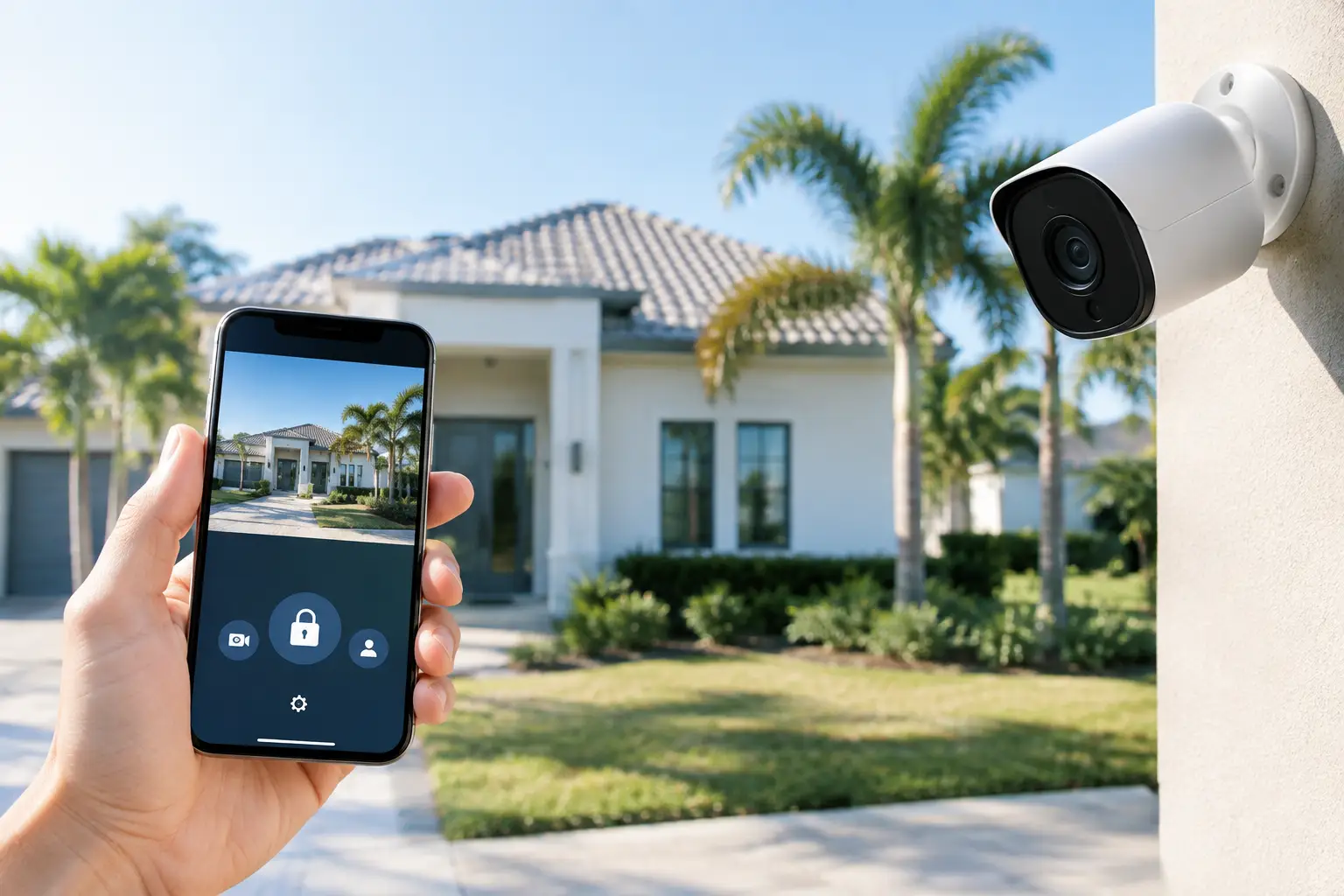
A vacant home can look perfectly fine in an app until the day it is not. A power outage can knock a camera offline. A water leak can spread for days. A contractor may need access while you are hundreds of miles away. To secure vacant homes remotely, seasonal and second-home owners need more than a doorbell camera and a few notifications.
For homes in Naples, Marco Island, Bonita Springs, and Fort Myers, the best approach is a layered system that detects trouble, lets you verify what happened, and gives the right people controlled access when action is needed. The goal is not to watch your property all day. It is to know that a real problem will reach you quickly, with enough information to make a smart decision.
Start With a Monitored Alarm System
A monitored alarm is the foundation for an empty property because it still works when you are in a meeting, on a flight, asleep, or unable to answer your phone. If a protected door opens, a window breaks, smoke is detected, or a water sensor trips, the system can send an alert to you and notify a central monitoring station.
That distinction matters. App alerts are helpful, but they rely on you seeing the notification and deciding what to do. Professional monitoring provides another line of response when an intrusion, fire, or other emergency occurs. For many seasonal residents, it also supports the documentation needed for insurance discounts.
Alarm protection should cover more than the front door. At a minimum, evaluate exterior doors, accessible windows, the garage entry, and any door from the garage into the house. A well-designed system may also include glass-break sensors, motion detection, smoke and carbon monoxide detection, and flood sensors in places where a leak could become expensive fast.
Water sensors deserve special attention in a vacant Florida home. Place them near water heaters, washing machines, refrigerators with ice makers, under sinks, and HVAC equipment. They are inexpensive compared with the damage caused by a small leak that goes unnoticed for a week.
Do Not Replace Working Equipment Just Because It Is Older
Many homes already have a wired alarm panel, door contacts, and motion sensors installed. Those components may still be useful even if the original provider is gone, the account was canceled, or the homeowner is unhappy with the previous company.
A qualified local technician can determine whether an existing system can be repaired, upgraded, or converted to new monitoring. Reusing compatible equipment can reduce cost and avoid unnecessary disruption. Sometimes replacement makes sense, especially when equipment is unsupported or unreliable. But a blanket recommendation to replace everything is usually a sales decision, not a security decision.
Use Cameras to Verify, Not Just Record
Security cameras give remote owners something an alarm alone cannot: context. When you receive an alert, you can see whether a delivery driver is at the gate, a landscaper arrived as scheduled, or someone is approaching the home after hours.
Focus camera coverage on decision points. The most useful views are typically the driveway, front entrance, rear doors, pool or lanai access, side gates, and the garage. A camera aimed at a broad yard may look impressive, but it often does less to identify a person, vehicle, or package than a well-positioned camera covering a choke point.
For vacant homes, reliability matters more than novelty. Wired cameras are often the better choice where cabling is practical because they do not depend on battery changes. WiFi cameras can be a good fit for a specific location or an existing home where running cable would be disruptive, but they depend on stable wireless coverage. A technician should assess signal strength, power availability, lighting, and the distance needed to identify faces or license plates before recommending equipment.
Plan for Night, Weather, and Internet Problems
Southwest Florida heat, rain, salt air near the coast, and storm-related outages can expose weak installations. Outdoor cameras need proper mounting, weather-rated connections, and views that will not be blocked by growing landscaping. Night coverage should be tested in the conditions the camera will actually face, including porch lights, driveway lighting, and glare from reflective surfaces.
Your cameras also need a plan for internet interruptions. A battery backup for the modem, router, and security equipment can keep the system running through short outages. For a higher-value property, cellular alarm communication provides an additional path for alarm signals when the home internet is down.
Control Access Without Handing Out Keys
Vacant homes still need people to enter them. House managers, cleaners, pool technicians, HVAC companies, pest control professionals, relatives, and repair crews all create an access challenge. A hidden key is convenient, but it is not controlled access.
Smart locks and smart garage-door controls allow you to give access without being present. Instead of sharing a permanent code, create individual codes for regular vendors and temporary codes for one-time work. If a vendor relationship ends, remove the code immediately. You do not need to rekey every lock or wonder how many copies of a key are circulating.
Pairing access control with cameras is especially useful. You can receive a notification when a code is used, view the arrival, and confirm the property was secured afterward. This is not about micromanaging trusted vendors. It is about having a clear record when a home is unoccupied and a service visit goes wrong, a door is left open, or an unexpected person enters.
Build a Remote Property Check Routine
Technology works best when it supports a simple routine. Set a monthly reminder to open the alarm and camera apps, verify that devices are online, review battery warnings, and confirm that your emergency contact list is current.
A practical remote-home routine should include these checks:
- Confirm cameras are reporting and views have not been blocked by foliage or storms.
- Test the alarm system and make sure monitoring has your current phone numbers.
- Review smart-lock users and delete old vendor or guest codes.
- Check that the router, modem, and security panel have battery backup where needed.
- Ask a local property contact to inspect the home after major storms or extended outages.
Do not overlook the physical side of security. Keep exterior lighting functional, trim landscaping that creates hiding places, and make sure gates, screens, garage doors, and window locks close properly. A sophisticated system cannot compensate for a rear door that does not latch.
Choose Local Support Before You Need It
The real test of remote security is not installation day. It is what happens when a camera stops recording, an alarm panel shows a trouble condition, or you need a technician at the property while you are out of state.
National providers can offer familiar names, but their service model often separates the salesperson, installer, monitoring center, and repair technician. That can make a simple issue feel like a call-center project. Local service gives homeowners a clearer path to diagnosis and repair, especially when the technician understands the original installation and the property itself.
Vigilant Security works with established alarm platforms such as 2GIG, Honeywell, DSC, and Qolsys, along with camera solutions from brands including Ring, Uniview, Hikvision, and Speco. The right choice depends on the home, existing equipment, desired monitoring, and how much remote control the owner actually wants. There is no benefit in paying for features that will never be used, and no comfort in choosing the cheapest system if it is difficult to service when you are away.
A remote security plan should also name who can respond locally. This may be a neighbor, property manager, trusted family member, or service professional. Provide that person with the right access level and clear instructions for alarms, storm checks, water leaks, and emergency repairs. Monitoring can dispatch emergency services when appropriate, but a local contact is often essential for follow-up.
The best time to improve an empty home’s security is before the next trip north, the next tenant turnover, or the next storm watch. A technician-led evaluation can identify what you can keep, what needs attention, and where a few well-placed devices will make remote ownership much less stressful.
Leave a Reply