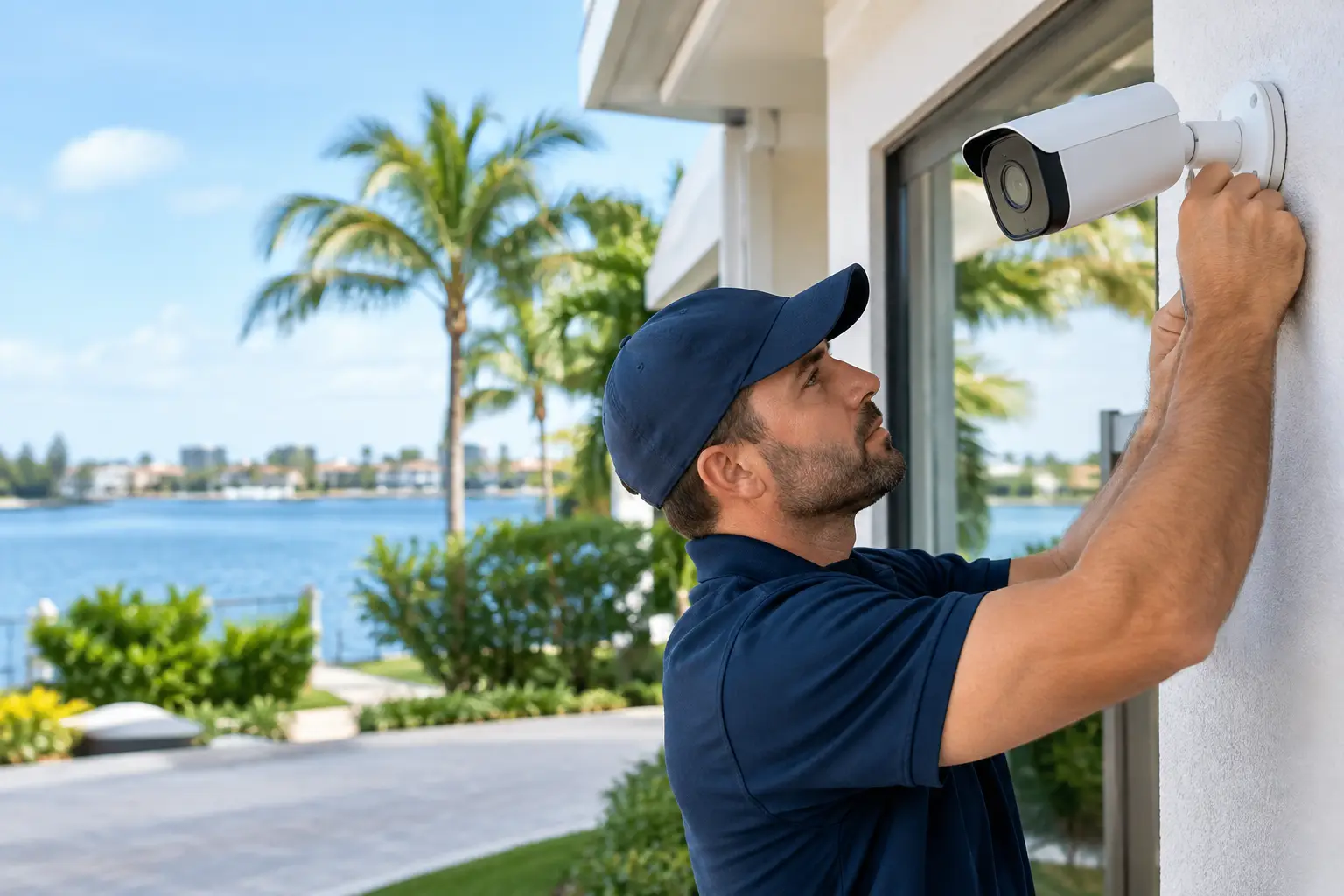
A camera pointed at a driveway is not much help if it misses the person walking to the front door. A camera system that looks great on a phone but goes offline whenever the WiFi struggles is not much better. Effective Naples CCTV installation starts with how your property is actually used – who arrives, where they enter, what needs oversight, and how often you are away.
For many Naples homeowners, cameras are not about watching every inch of the yard. They are about knowing the home is secure while they are up north, checking on a contractor before opening a smart lock, confirming a delivery arrived, or reviewing an event when something does not look right. The right system makes those tasks simple without turning the house into a complicated technology project.
Start With the Risks Around Your Property
Every property has different pressure points. A seasonal residence may need clear views of the driveway, entry doors, pool equipment, and side gates. A vacation rental may need exterior coverage that helps verify guest arrivals and vendor visits while respecting privacy. A full-time homeowner may be more concerned with package theft, an aging parent coming and going, or monitoring a detached garage.
The best camera plan follows those real needs. It does not begin with a salesperson trying to sell the biggest package available.
A technician-led walkthrough should identify likely approaches to the home, lighting conditions, available wiring paths, WiFi coverage, and areas where a camera can provide useful evidence rather than just a broad, indistinct view. Camera placement matters as much as camera quality. A high-resolution camera mounted too high, aimed into afternoon glare, or positioned behind landscaping will still produce poor results.
There are also limits worth discussing honestly. Exterior cameras can document activity, deter opportunistic crime, and help you respond quickly, but they do not replace good locks, proper lighting, alarm monitoring, or common sense. They work best as part of a practical security plan.
Wired, Wireless, or a Mix of Both?
Homeowners often ask whether every camera needs to be hardwired. The answer depends on the house and the job.
Hardwired cameras are generally the strongest choice for permanent coverage at key exterior locations. Power over Ethernet systems use a single cable for power and data, which can provide dependable performance, stable video, and centralized recording. They are especially useful for driveway views, front entries, pool areas, docks, gates, and other locations where losing a connection is not acceptable.
Wireless cameras can be a sensible fit where running cable would require major construction, where coverage needs are lighter, or where a homeowner wants to add a camera in a difficult location. They are not automatically inferior, but they depend on strong WiFi and reliable power. Battery-powered options are convenient, yet they require charging and may capture shorter clips or miss activity depending on settings and network conditions.
Many homes benefit from a mixed approach. Use hardwired cameras for the most important exterior views, then add wireless cameras where they solve a specific problem without unnecessary expense. A local installer should be willing to explain that trade-off instead of pushing one brand or one type of system for every home.
Why WiFi Needs Attention Before Cameras Go Up
Cameras expose weak WiFi quickly. A home may have internet service that seems fine for browsing and streaming, but an outdoor camera at the far end of the property can still struggle with signal loss. Stucco walls, concrete block construction, metal, landscaping, and distance all affect performance.
Sometimes the answer is a professionally placed WiFi access point, not another camera. Improving the network can make camera live views more reliable, support smart locks and garage controls, and reduce the frustration of devices dropping offline. This is particularly valuable for larger homes and properties that sit vacant for part of the year.
What a Good CCTV System Should Let You Do
The useful features are usually straightforward. You should be able to open an app, view live video, receive meaningful motion alerts, review recorded events, and share access with a spouse or trusted property manager. If a service vendor needs to enter the home, you can verify the arrival, provide access when appropriate, and confirm the visit is complete.
For second-home owners, remote access changes the equation. A camera system can help distinguish a real issue from a false alarm before you ask a neighbor to check the property. It can also document storm preparation, contractor work, deliveries, and unexpected activity between visits.
Recording options deserve a clear conversation as well. Cloud recording can be convenient and easy to access remotely, but it may involve recurring fees and depends on an internet connection. Local recording through a network video recorder can provide longer retention and avoid per-camera cloud subscriptions, though it requires properly installed equipment and secure remote access. Some homeowners prefer both: local recording for dependable storage and cloud alerts for convenience.
The right choice comes down to how many cameras you need, how long you want to keep footage, and whether you value simple monthly billing or greater control over your recordings.
Choosing Cameras That Match the Job
Brand names matter less than placement, support, and the ability to get service when needed. Still, equipment should be selected carefully. Vigilant Security works with camera solutions from Ring, Uniview, Hikvision, and Speco, allowing homeowners to choose an approach that fits their property rather than being locked into a single product line.
A front-door camera has different demands than a driveway camera. At a front entry, you may need a clear face-level view and two-way communication. At a driveway, a wider scene and dependable nighttime performance may matter more. At a side gate or equipment area, motion-triggered recording and weather-resistant hardware may be enough.
Do not get caught up in resolution alone. More megapixels can help, but they also require more storage and network bandwidth. Night performance, lens angle, placement height, motion settings, and lighting often have a greater impact on whether the footage is actually useful.
Privacy and Neighbor Considerations
Exterior cameras should protect your property without creating unnecessary privacy concerns. Cameras should be aimed at your entrances, driveway, perimeter, and other legitimate areas of concern. Avoid pointing cameras into a neighbor’s private living spaces, and never place cameras in bedrooms, bathrooms, or other areas where privacy is expected.
For rental properties, be transparent about exterior camera locations and follow applicable platform rules and local requirements. The goal is property protection, not intrusive monitoring.
Installation Quality Shows Up Later
A camera system may appear to work on installation day even when the details were rushed. The difference becomes clear months later during a heavy rain, a power interruption, a network issue, or the first time you need to retrieve footage.
Professional Naples CCTV installation includes more than mounting devices. It means protecting connections from weather, routing cable cleanly, setting recording preferences, testing night views, labeling equipment, securing remote access, and showing the homeowner how to use the app. It also means making sure the person who sold the project is not the only one who understands it.
That continuity matters when a camera needs adjustment, a recorder fills up, or you add a gate, pool enclosure, or new WiFi equipment later. Local service should not feel like starting over with a call center each time something changes.
Existing cameras may also be worth keeping. If usable wiring, mounts, or compatible equipment are already in place, reusing them can lower the cost of an upgrade. Some older systems are worth repairing; others have reached the point where replacement makes more sense because of poor image quality, failed components, or unsupported apps. A fair recommendation explains the difference before work begins.
Pair Cameras With Alarm and Access Control When It Makes Sense
Cameras show you what happened. An alarm system can help create a faster response when doors, windows, motion detectors, smoke detectors, or other sensors are triggered. For an unoccupied home, professionally monitored alarms add another layer because an event does not rely on you seeing a phone notification immediately.
Smart locks, garage-door control, and camera verification can also simplify vendor access. Instead of hiding a key or leaving a garage code unchanged for years, homeowners can manage access with more control and better visibility. This is useful for cleaners, pool services, maintenance teams, and family members.
Not every house needs every feature. A straightforward camera system may be all that is needed for one homeowner, while a remote-managed property may justify cameras, monitored alarm protection, smart locks, and stronger WiFi as one coordinated setup.
A good next step is a no-pressure property assessment with a technician who will ask how you use the home, inspect what is already there, and explain the options in plain language. The goal is not more cameras. It is the confidence of being able to look in on your property and know the system will be there when you need it.
Leave a Reply