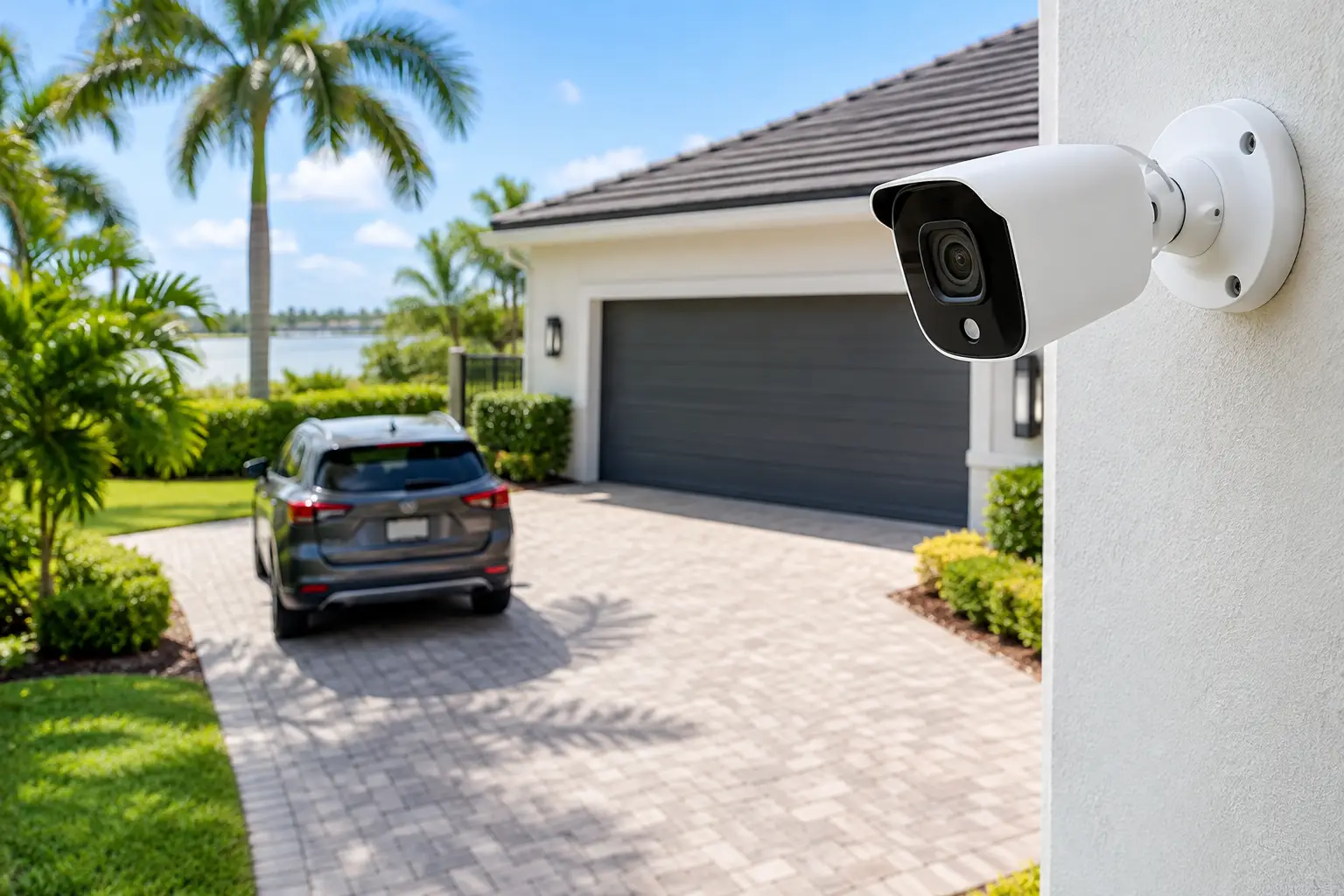
A driveway camera has one job that sounds simple but is often handled poorly: show you who came onto the property, where they went, and when they left. The best cameras for driveway coverage do more than provide a wide view of pavement. They capture useful details at the gate, garage, parking area, and approach to the home without burying you in alerts from passing cars, palm fronds, or neighborhood foot traffic.
For homeowners, seasonal residents, and vacation-rental owners in Southwest Florida, that difference matters. You may be checking a property from another state, confirming a vendor arrived, or trying to understand an overnight alert after a storm. A camera system should make those answers easy to find, not create another app full of blurry clips.
What Makes a Driveway Camera Actually Useful?
The right camera depends on the layout of the property. A compact Naples home with a driveway beside the front door needs a different design than a Marco Island property with a long entrance, detached garage, and service gate.
Start with the question most camera ads avoid: what detail do you need to see? A wide-angle camera can show that a vehicle entered the driveway, but it may not identify a face or read a license plate from 60 feet away. Trying to cover an entire driveway with one inexpensive ultra-wide camera is a common mistake. The result is plenty of footage and very little evidence.
A good driveway design usually separates overview coverage from identification coverage. One camera watches the full approach and activity area. A second, more focused camera covers the choke point where vehicles or people pass. That may be the street entrance, gate, garage apron, or walkway to the front door.
Camera placement also matters more than simply mounting a device high on the exterior wall. Cameras installed too high see the tops of hats and vehicle roofs. Cameras aimed directly toward the Florida afternoon sun may wash out faces and plates. A technician should account for the path of the sun, landscaping, eaves, light fixtures, and the angle of approaching traffic before selecting the equipment.
The Best Cameras for Driveway Coverage by Need
There is no single best camera for every driveway. The strongest option is the one that matches the distance, lighting, network reliability, and how you intend to use the footage.
Hardwired PoE cameras for dependable full-time coverage
For most permanent residences and second homes, hardwired Power over Ethernet, or PoE, cameras are the best long-term choice. One network cable provides power and data, so the camera does not depend on a battery, a nearby outlet, or a marginal WiFi signal at the edge of the driveway.
A professionally installed PoE system can record continuously to a local recorder while still giving you secure remote access through an app. That means the system can capture the moments before motion is detected, not just the few seconds after an alert begins. If a vehicle turns around, backs into the drive, or someone walks through frame quickly, pre-event recording can be the difference between a useful clip and a missed event.
Hardwired systems from established manufacturers such as Uniview, Hikvision, and Speco can be a strong fit when coverage and recording reliability are the priorities. They are especially practical for larger homes, long driveways, multi-camera properties, and owners who want footage retained locally rather than relying entirely on monthly cloud subscriptions.
The trade-off is installation. Running cable through an attic, exterior conduit, or underground path requires planning and skilled work. It costs more upfront than a battery camera, but it generally delivers a more dependable result and fewer service calls later.
Varifocal cameras for long driveways and gate entrances
A varifocal camera has an adjustable lens that lets the installer tighten or widen the image to suit the scene. This is often a better answer than buying a camera with a huge megapixel number and hoping it can digitally zoom far enough.
For a long driveway, a varifocal camera can be aimed at the entrance or gate with a narrower field of view. That helps preserve facial and vehicle detail where it counts. It is also useful on properties where delivery drivers, landscapers, pool technicians, and guests enter through the same defined point.
There is a trade-off here too. A tightly focused camera may not show everything happening around the garage or front yard. Pair it with an overview camera rather than asking it to do both jobs.
Smart doorbell cameras for the front-door connection
A doorbell camera is useful when the driveway leads directly to the front entry. It lets you speak to visitors, verify deliveries, and see when someone approaches the door after parking. Ring doorbells and cameras are popular because they are easy to use and provide straightforward mobile alerts.
Still, a doorbell camera is rarely enough for driveway coverage on its own. Its lens is intended for the doorstep, not for a vehicle entrance 40 feet away. It may show a person after they leave the car, but not the car’s arrival, where it parked, or activity around a side garage.
Think of a doorbell camera as the front-door layer of a larger security plan. It works well alongside a fixed exterior camera that watches the driveway approach.
Battery and WiFi cameras for difficult locations
Battery-powered WiFi cameras can make sense at a detached gate, shed, boat dock, or rental property where running a cable is not practical. They are also a reasonable starting point for a homeowner who needs basic visibility without opening walls or trenching a yard.
Their limits should be understood before purchase. Battery cameras typically record motion clips rather than continuous video. Frequent driveway activity can drain batteries quickly, and weak WiFi can cause delayed alerts or missed clips. Solar panels can reduce charging chores, but they do not solve poor signal strength or shaded mounting locations.
If WiFi is the only practical option, test the signal where the camera will be mounted, not from inside the house. An access point placed strategically can often provide a much better result than moving the camera closer to the home and accepting the wrong view.
Night Coverage Is More Than Infrared
Most driveway incidents worth reviewing happen after dark, so night performance deserves more attention than a specification sheet. Infrared illumination can provide a clear black-and-white image, but reflective license plates, rain, headlights, and nearby walls can affect the picture.
Color night cameras can be very effective when there is usable ambient lighting from landscape fixtures, garage lights, or a motion-triggered floodlight. The best setup may combine a camera with thoughtfully placed lighting rather than relying on the camera alone to work in near-total darkness.
Southwest Florida also brings hard rain, humidity, insects, and lightning. Exterior cameras should be properly weather-rated, mounted securely, and protected with appropriate surge protection where needed. A camera that works beautifully on a clear afternoon but constantly drops offline during summer storms is not protecting the property when you need it most.
AI Alerts Reduce the Noise
Motion alerts become useless when your phone buzzes every time a car drives past or a tree moves in the wind. Modern camera systems can often distinguish people, vehicles, and sometimes animals. This allows the system to alert you when a person enters the drive while ignoring ordinary background motion.
The settings need to be tailored to the property. A camera facing a busy street should have detection zones that exclude the roadway. A vacation rental may need alerts for people and vehicles, while a full-time resident may prefer notifications only after certain hours. There is no reason to accept factory-default alerts that disrupt your day.
For owners who are away for months at a time, remote viewing is only part of the value. Useful alerts can confirm a housekeeper’s arrival, document a contractor visit, show whether a package was delivered, or help you investigate an alarm event before calling a neighbor.
Plan Recording Before You Need Footage
Ask where video is stored, how long it remains available, and whether the system continues recording if internet service goes down. Cloud storage is convenient, but usually involves recurring fees and depends on a working connection. Local recording through a network video recorder offers more control and can continue operating during an internet outage, though remote viewing will be unavailable until service returns.
Retention time depends on camera count, resolution, recording mode, and available storage. Continuous recording uses more space but provides the most complete record. Motion-based recording stretches storage further, but it needs correctly adjusted detection settings. For many homeowners, a hybrid approach works well: continuous recording at key entrances and event recording in less critical areas.
Also decide who needs access. Spouses, property managers, and trusted family members may need app permissions, but vendors generally do not need access to the camera system. Give service providers smart-lock or garage access only for scheduled visits, then review the camera footage afterward if needed.
Get the View Right Before Buying the Camera
A good driveway camera system is not defined by a brand name or the largest number printed on a box. It is defined by whether it captures the right view, provides usable detail after dark, records reliably, and gives you alerts you will actually pay attention to.
Vigilant Security can assess the driveway, existing wiring, WiFi coverage, and any equipment worth keeping before recommending a system. The right answer may be a simple doorbell and one hardwired camera, or it may be a multi-camera design with focused coverage at a gate and garage. Ask for a technician-led estimate, then choose the coverage that lets you check on your property with confidence rather than guesswork.
Leave a Reply