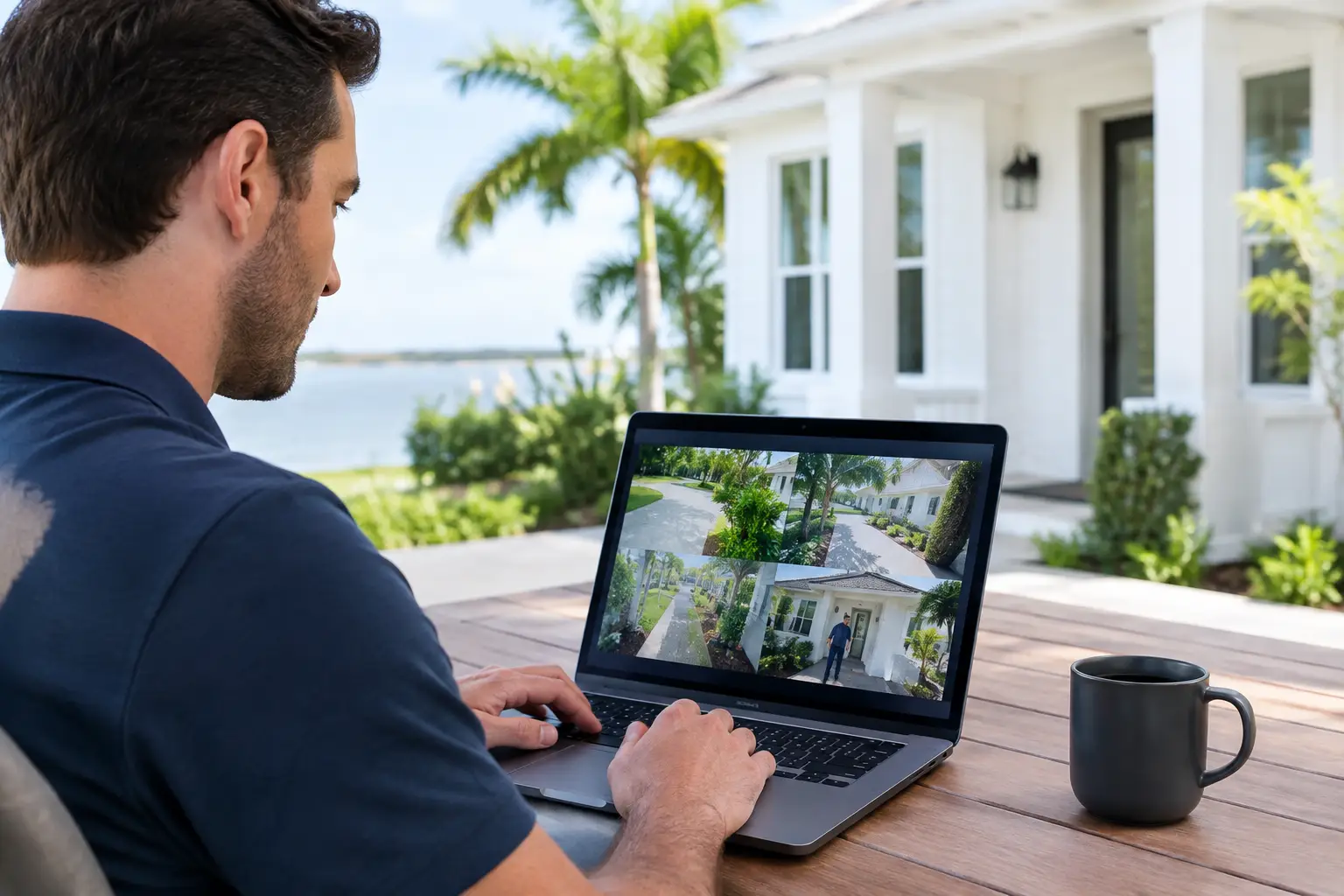
A cleaner is scheduled for Tuesday. The pool technician needs access Wednesday. A plumber may need to return on Friday. For a seasonal home or vacation rental, handing out physical keys is not a workable long-term plan. A remote vendor access system gives you a controlled way to let trusted people into your property without leaving doors unlocked, hiding keys, or depending on a neighbor to meet every service call.
For homeowners in Naples, Marco Island, Bonita Springs, and Fort Myers, remote access is not a novelty. It is a practical part of protecting a property that may sit vacant for weeks or months. The right setup lets you see who arrived, provide access only when needed, receive alerts, and revoke access when the work is done.
What a Remote Vendor Access System Actually Does
A remote vendor access system combines the devices and controls that allow you to manage entry from wherever you are. In many homes, that includes a smart lock, garage-door controller, security alarm app, video doorbell or exterior cameras, and reliable WiFi. The goal is straightforward: a vendor can get in to complete legitimate work, while you keep control of the property.
The best systems do more than open a door from a phone. They create a clear record of access. You can assign a unique code to a housekeeper, property manager, dog walker, HVAC company, or contractor. Instead of sharing one code with everyone, each person receives their own credentials. If a vendor stops working at the home, you remove that code without changing locks or wondering who still has a copy of a key.
For second-home owners, this can also reduce the uncertainty that comes with service appointments. A camera notification shows when a technician arrives. A smart lock event confirms entry. An alarm app can show whether the system was disarmed and rearmed. Those details matter when you are several states away and a repair involves an occupied home, a vacant home, or a rental turnover.
The Right Access Setup Depends on the Vendor
Not every person who needs access should receive the same level of control. A recurring cleaning team may need a scheduled door code. A one-time appliance installer may only need a temporary code for a few hours. A property manager may need broader access, including the ability to operate a garage door or confirm alarm status.
That distinction is why a good system is planned around how your home actually operates, not around whichever device happens to be on sale. A smart lock can be ideal for the front entry, while a garage controller makes more sense for pool equipment, storage areas, or vendors who routinely enter through the garage. For a gated property, the setup may also need to account for gate access before anyone reaches the home.
Camera placement deserves the same thought. A camera facing the front door can verify arrivals, but it may not show a vendor entering through the side gate or garage. Exterior coverage should focus on the paths people actually use, with enough lighting and camera angle to provide useful video rather than a vague nighttime silhouette.
Why Smart Locks Alone Are Not Always Enough
A smart lock is often the starting point, but it is not the whole answer. If the home alarm is armed and the vendor does not know how to disarm it, the visit can trigger an unnecessary alarm response. If the WiFi is unreliable, remote commands and camera notifications may fail at the wrong moment. If the lock is installed on a poorly aligned door, even a good lock can have trouble latching consistently.
A properly designed remote vendor access system considers these real-world details. The lock, alarm panel, cameras, garage door, and network should work together without making daily use complicated. In some cases, a homeowner only needs a compatible smart lock added to an existing alarm app. In others, an older alarm panel, weak wireless coverage, or unsupported equipment may need attention first.
There is also a trade-off between convenience and oversight. Giving a contractor a permanent code may be easy, but it is rarely the safest choice. Temporary and recurring schedules provide better control. A code that works every Tuesday from 9 a.m. to 1 p.m. is more useful than a code that works forever.
Build Access Around Accountability
The most effective vendor access plans are built around individual responsibility. Avoid one shared code for every service provider. It may seem simpler initially, but it becomes impossible to know who entered or who still has access months later.
Use separate codes for separate people whenever the system allows it. Name them clearly, such as “Pool Service,” “Cleaning Team,” or “Property Manager.” Review active users periodically, especially after a renovation, staffing change, rental season, or property-management transition.
A practical vendor-access plan usually includes these controls:
- Unique access codes for each vendor or company
- Schedules that limit when recurring vendors can enter
- Temporary codes for one-time work and deliveries
- Camera coverage at the primary entry points
- Alerts for doors, garage doors, and alarm activity
- A process for removing access immediately when work ends
This is not about treating every vendor as a threat. It is about avoiding confusion and maintaining a clean chain of access. Good vendors generally appreciate clear instructions, reliable entry, and not having to wait outside for someone to answer a call from another time zone.
Protecting a Vacant Home During Service Visits
Vacant properties have different risks than full-time residences. An unnoticed water leak, air-conditioning failure, power outage, or open garage door can become a costly issue quickly in Southwest Florida. Remote access can help you get the right person inside faster, but it should be paired with basic safeguards.
Before a vendor arrives, confirm which door or garage entrance they will use. Make sure the access code is active and that the relevant camera has a clear view. If the alarm needs to be disarmed, decide whether you will do it remotely at arrival or provide a limited user code. After the appointment, confirm that the door is secured and the alarm is back on.
For higher-value homes, consider separating access by area. A vendor servicing an air handler may need garage or utility-room access, not access to every exterior door. Some properties benefit from locks on interior doors, equipment closets, or owner storage areas. The right choice depends on the home layout and how often different vendors need entry.
WiFi and Power Are Part of the Security Plan
Remote controls depend on a stable network. A smart lock may still operate locally by keypad, but app control, alerts, cloud video, and garage-door commands usually require internet service. Poor WiFi coverage near an exterior door or detached garage can create frustrating gaps in an otherwise good system.
For larger homes, concrete construction, metal structures, and outdoor areas can weaken signal strength. WiFi access points may be necessary to provide dependable coverage where cameras and smart devices are installed. It is also wise to consider battery backup for the alarm panel and network equipment, particularly during storm season and brief power interruptions.
This is where a technician-led evaluation makes a difference. Adding devices without checking network coverage, door hardware, alarm compatibility, and power conditions can leave a homeowner with several apps that do not reliably work together.
Use Existing Equipment When It Makes Sense
A remote access upgrade does not always require replacing an entire security system. Many homes already have usable alarm panels, door contacts, cameras, or hardwired infrastructure. If compatible equipment is functioning properly, it may be possible to add monitoring, smart access controls, cameras, or automation around it rather than starting from scratch.
That is especially valuable for homeowners who inherited a system from a previous owner or ended service with a national alarm company. Some systems from brands such as Honeywell, DSC, 2GIG, and Qolsys can be evaluated for continued use, upgrades, or monitoring conversion. Compatibility varies by model, cellular communicator, account status, and the condition of the installed equipment, so an honest inspection matters more than a blanket promise.
At Vigilant Security, the practical question is not whether every device is new. It is whether the system will reliably protect the home and give you useful control when you are away.
When Professional Installation Is Worth It
DIY smart devices can work well for a simple primary residence, particularly when the door, WiFi, and existing locks are straightforward. But a second home, rental property, or larger estate often has more moving parts: multiple entries, gates, garage doors, cameras, alarm monitoring, house staff, and changing vendor schedules.
Professional installation is worth considering when you want one accountable local company to test the entire setup, explain how access works, and remain available when something needs service. It also helps avoid common problems such as incompatible equipment, a lock that does not fully latch, cameras with poor coverage, or an alarm setup that a vendor cannot use correctly.
Ask for a clear explanation of what each person will be able to control, how access is revoked, what happens during an internet outage, and whether there are ongoing service or monitoring costs. A good recommendation should fit your property and routine, not push equipment you do not need.
The useful test is simple: if a trusted vendor needs to enter while you are away, you should be able to grant access, verify the visit, and secure the home again without stress. That is the kind of control that makes ownership from a distance far more manageable.
Leave a Reply