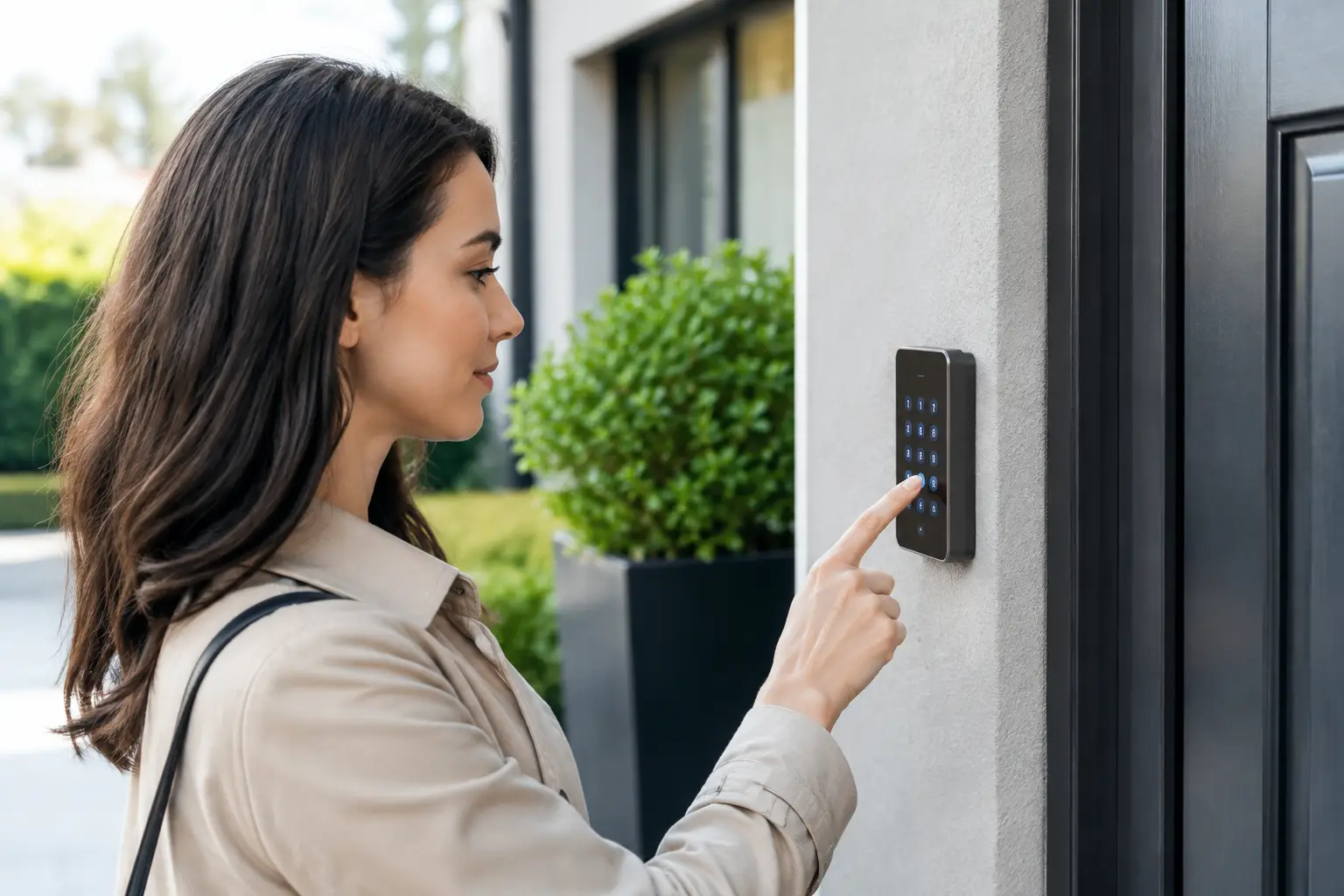
A driveway gate opens for the pool technician at 10:00 a.m. A cleaning crew arrives two days later. Then a visiting family member needs the front door code for a long weekend. For a home that is vacant for part of the year, property access code management is not a minor convenience. It is the difference between knowing who can enter your home and hoping an old code has not been passed around.
Keys are easy to copy and difficult to track. Shared codes can be just as problematic when every contractor, guest, and former employee uses the same four digits. A well-planned access system gives each person the right access for the right time, then removes it when the job or visit is over.
Why Property Access Code Management Matters
For many Naples, Marco Island, and Southwest Florida homeowners, the property is not occupied full time. It may sit empty through hurricane season, between rental guests, or while the owners are out of state. Yet people still need legitimate access: landscapers, pest-control companies, housekeepers, caretakers, inspectors, delivery personnel, and repair technicians.
The common shortcut is one permanent code for everyone. It feels simple until a vendor changes staff, a guest shares the code, or a former service provider still has access months later. At that point, the homeowner has no practical way to tell who entered or when.
Individual user codes change that. When a smart lock, garage controller, gate keypad, or alarm panel records activity by user, the owner can see whether the approved person arrived and whether access happened outside the expected window. That record is useful when managing a rental, checking on an elderly relative, or investigating an unexpected alarm notification.
The goal is not to make daily life complicated. It is to replace one vague, permanent code with a clear access plan that works whether you are at home or 1,500 miles away.
Start With an Access Plan, Not a Device
A new smart lock can be useful, but the lock is only part of the solution. Before choosing equipment, decide who needs access, which entry they should use, and how long that access should last.
Most properties have several access points: the front door, a side or service door, the garage, a pedestrian gate, and a vehicle gate. They do not all need the same level of access. A cleaning service may need the garage or side door but should not need a gate code that works at all hours. A rental guest may need the front entry and pool gate, while a lawn crew may only need the vehicle gate during weekday daytime hours.
This is where homeowners often benefit from a technician-led conversation rather than a generic retail kit. Existing wiring, gate operators, alarm equipment, WiFi coverage, and the layout of the property all affect what will work reliably. A lock that performs well at a front door may not be the right answer for an exposed gate or a detached garage with weak wireless coverage.
Create access categories
Assign access by role, not by convenience. Your household can have permanent codes. Recurring vendors can have unique codes with scheduled hours. Short-term guests should receive codes that expire after checkout. Emergency contacts may receive a permanent code, but it should still be separate from the family code.
For a larger home or vacation rental, these categories are usually enough:
- Household members and trusted long-term caretakers
- Regular vendors, such as cleaners, landscapers, and pool service
- Temporary guests, renters, and visiting family
- One-time service technicians and deliveries
- Emergency contacts who may need after-hours entry
Separate codes make it easy to remove access without disrupting everyone else. If a cleaning company changes personnel, delete that company code and issue a new one. There is no need to reprogram every family member or replace hardware because one relationship changed.
Use Time Limits Whenever You Can
The most effective access code is often one that stops working on its own. Time-limited codes reduce the chance that a forgotten credential becomes permanent access.
For example, a rental guest code can activate at check-in and expire shortly after checkout. A contractor code can work only between 8:00 a.m. and 5:00 p.m. on the scheduled service date. A seasonal caretaker can receive access for the months the home is vacant, then have it automatically removed when the owners return.
This approach is especially practical for second-home owners. It removes the need to text a code, remember to change it later, and wonder whether the old code is still active. It also creates a better experience for legitimate visitors because they receive access when they need it rather than waiting for someone to answer a phone call.
Time limits do depend on the equipment and how it is configured. Some basic electronic locks allow multiple codes but do not support schedules or activity history. Others require a reliable WiFi connection or a compatible hub. A professional installation should explain those limitations before equipment is selected, not after it is mounted on the door.
Keep Alarm Codes Separate From Door Codes
One of the most common security mistakes is using the same number everywhere. The front-door code, garage keypad code, gate code, and alarm disarm code should not all match.
Alarm codes deserve additional care because they can disarm the system, cancel an entry delay, and sometimes control automation features. Every regular user should have a separate alarm code, especially housekeepers, caretakers, and vendors who enter while the property is armed. If someone leaves or no longer needs access, that code can be deleted without affecting anyone else.
For homeowners with existing 2GIG, Honeywell, DSC, or Qolsys alarm systems, the answer may not require a full replacement. Compatible systems can often be repaired, upgraded, or taken over for monitoring while preserving usable equipment. The right path depends on the panel, its communication method, its condition, and whether it can support the access features you actually need.
A professional should also confirm who has authority to make account changes. If a former provider controls the panel programming or monitoring account, resolve that ownership issue before relying on the system for remote access.
Pair Access Control With Verification
A code log tells you that a code was used. A camera can show what happened at the door, gate, or garage. Together, they provide a much clearer picture than either system alone.
A camera at the front entry is useful for guests and deliveries. A camera aimed at the driveway or gate can confirm vendor arrival. At a service entrance, a camera can verify that a crew entered during the approved window and left when expected. For properties with a pool, boat dock, detached garage, or multiple outbuildings, camera placement should follow the actual traffic pattern rather than simply covering the front door.
This does not mean every door needs an expensive camera and a smart lock. Some homes need detailed activity reporting at every entry. Others only need a controlled front door, a managed garage code, and clear camera coverage at the driveway. The right level of technology depends on how often the property is vacant, how many outside vendors enter, and how much oversight the owner wants.
Avoid the Problems That Create Lockouts
Remote access is only helpful when it works. Before relying on an app-controlled lock or garage device, test it from outside the home, confirm notifications reach the right people, and keep a physical backup plan for power outages or dead batteries.
Battery alerts should go to the person responsible for the property, not only to an owner who may be traveling internationally. WiFi equipment should be placed and maintained so the lock, camera, and controller have dependable coverage. If the home loses internet during a storm, understand which functions will still work locally and which remote functions will not.
Also consider the human side. Avoid codes that are easy to guess, such as street numbers, birthdays, or repeated digits. Do not put access codes in public rental instructions that may be forwarded. When a vendor needs access, send only the code and schedule relevant to that vendor instead of sharing a master code that works everywhere.
When It Is Time to Update Your System
If you do not know how many active codes exist, it is time for an audit. The same is true if a former tenant, contractor, employee, or service company may still have access. Start by changing the most sensitive codes, reviewing alarm users, deleting unknown credentials, and separating codes that are currently shared.
For homeowners who want more control without being pushed into unnecessary replacement, Vigilant Security can evaluate the equipment already in place and recommend practical upgrades. Sometimes that means integrating a compatible smart lock and camera system. Sometimes it means repairing an aging alarm panel, improving WiFi coverage, or reprogramming access around the way the property is actually used.
A well-managed code should answer a simple question: who entered, where, and when? When your system can answer that clearly, you can give trusted people access without giving up control of your home.
Leave a Reply